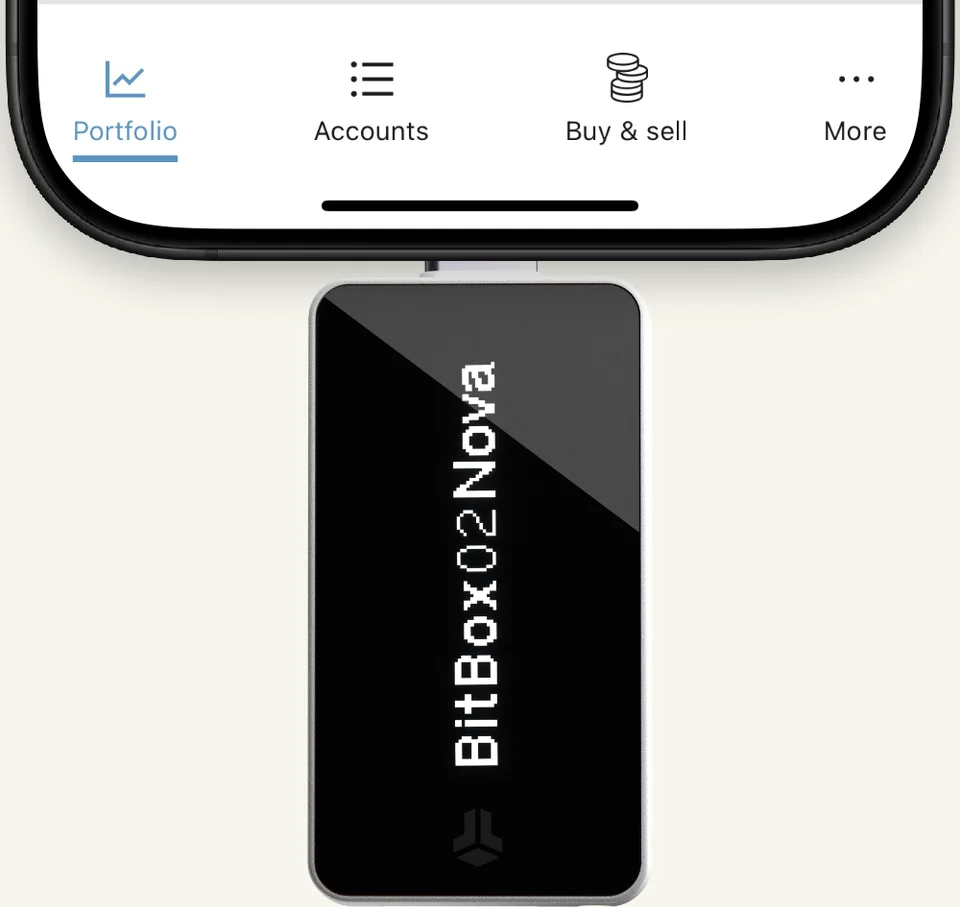

Choose BitBoxApp, edge controls and a microSD backup made during setup. Keep the card separate: the default backup can restore access without the old device password. You’ll still need any optional passphrase.
Approve transactions with BitBoxApp
- Computer:USB
- iPhone:BluetoothMust stay plugged in
- Android:USBPhone needs USB OTG
Before you choose: You control it by touching its edges, not the screen.
When to consider another wallet
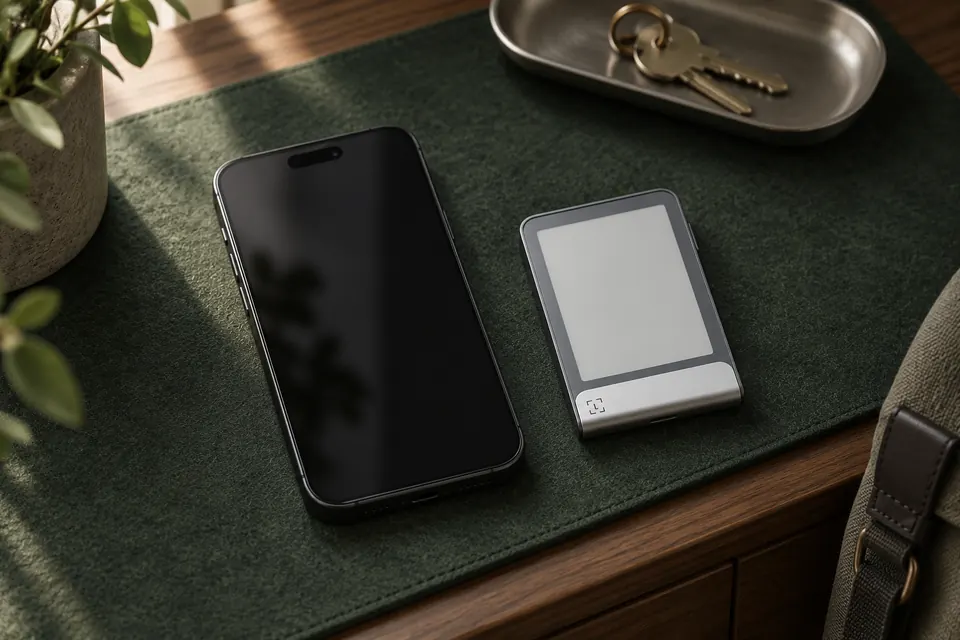
Choose Flex for Ledger Wallet and an E Ink touchscreen if you want signing from a compatible phone without an attached power source; keep Flex charged. For a colour touchscreen, choose Safe 7 Universal if Trezor Suite supports your coin and network; it signs over Bluetooth with a compatible iPhone or Android phone.