
Choose a wallet · For Android

Hardware wallets for Android

Android gives you a choice of wired and wireless hardware wallets. You prepare the payment in a compatible app and approve it with the wallet. Choose by your phone’s connection support and the crypto you want to use.

Our picks: 3 · Matching wallets: 47

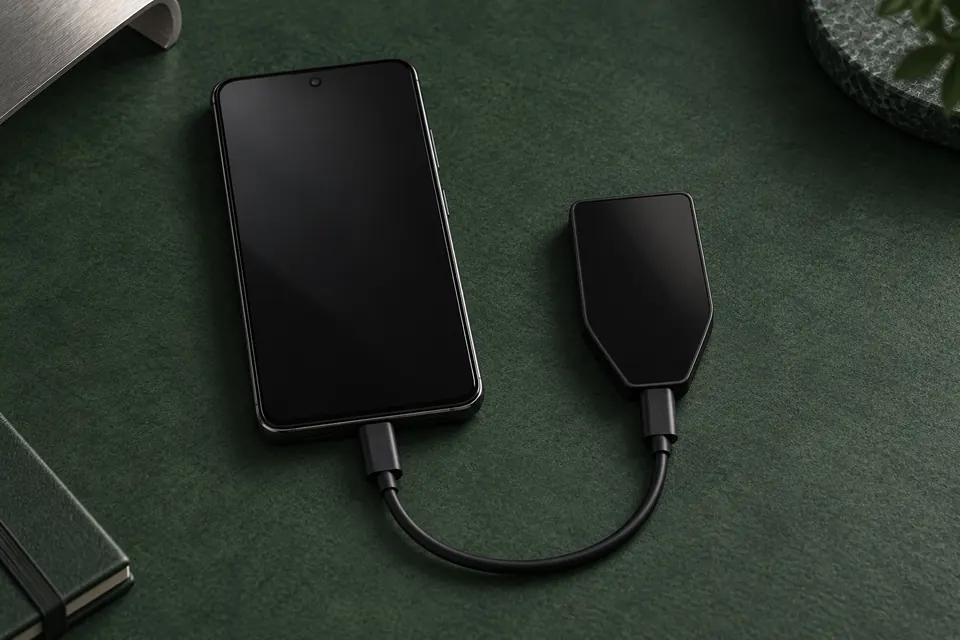
An Android phone and Trezor Safe 5 connected by a short USB cable on a dark green surface.

Other wallets for sending crypto from your Android phone

Beyond our picks above, the catalog includes 44 other wallets that match this category.

Before you choose

What matters on Android.

USB: check your phone and connection

For BitBox02 and BitBox02 Nova, your Android phone needs USB OTG: support for communicating with an external USB device. Check BitBox’s requirements below and confirm USB OTG support for your exact phone model with its manufacturer. An app opening successfully does not prove the connection will work.

Android · BitBoxApp · USB: data and power · BitBox02 Nova

USB OTG required

The wallet may plug in directly or need an adapter or data cable; a charge-only cable cannot carry transaction data. Nova uses USB with BitBoxApp on Android, not Bluetooth. If your phone’s required support remains unclear, resolve it before choosing.

Manufacturer support

Would you rather use Bluetooth, NFC or QR?

Ledger Flex works with Ledger Wallet on Android over USB or Bluetooth. Bluetooth lets you use it without a data cable while its battery is charged.

With Tangem Wallet, hold the card to a phone with the required NFC support. Confirm NFC support for your exact phone model with its manufacturer, then follow Tangem’s scanning instructions. The card has no screen, so you read payment details on the phone.

QR models exchange codes between the phone and wallet screens. Keystone 3 Pro with multi-coin firmware works with OKX Wallet on Android: scan between the devices and check the transaction on Keystone. The wallet still needs charging.

Manufacturer support

Check the app, your crypto and phone-only use

Use each model’s Android compatibility details to check its app and phone requirements. You also need support for your coin or token and its network in that app. A wallet’s coin list may require another app or a computer, and its Bitcoin-only and multi-asset editions can differ.

You can set up BitBox02 Nova, install its initial firmware and later update firmware through BitBoxApp on Android over USB. Check its USB OTG requirements first.

Ledger Flex supports phone setup and ordinary Ledger OS updates over Bluetooth. If it becomes stuck in Update Mode, Ledger’s documented fallback uses Ledger Wallet on a computer.

Trezor Safe 7 supports Android setup over Bluetooth or USB-C, including initial firmware installation. Trezor also documents later Android firmware updates; that guide does not specify their connection method.

Android signing support does not guarantee phone-only maintenance: Keystone 3 Pro’s documented firmware-update methods both use a computer.

Manufacturer support