

Use your wallet
Crypto and hardware wallet guides
Choose a wallet, learn to use it and prepare for recovery if it is lost or damaged.
Understand wallets2 guides

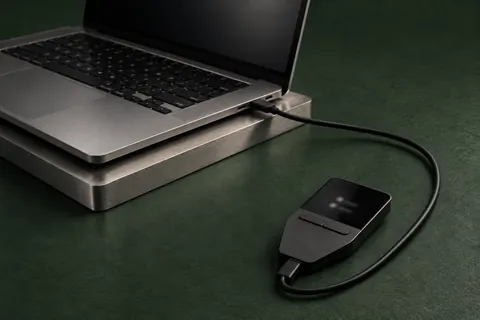
Choose a wallet2 guides
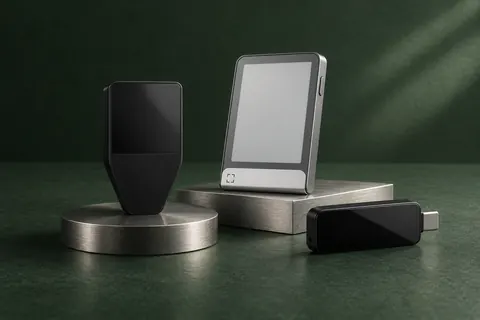
How to choose a hardware wallet
Choose a hardware wallet by the phone or computer you use, the crypto you hold, its controls and how you would recover access.
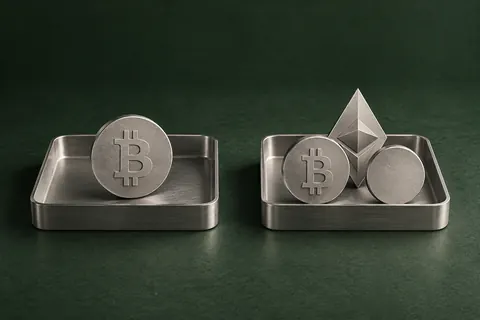
Bitcoin-only or multi-asset wallets?
Understand what Bitcoin-only restricts, when multi-asset support is useful, and which wallet editions let you change the firmware later.
Use your wallet3 guides
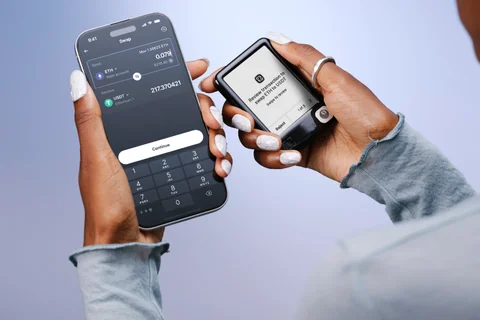
Official wallet apps and downloads
Find the official app and connection instructions. Understand the difference between pairing, unlocking and recovering your wallet.
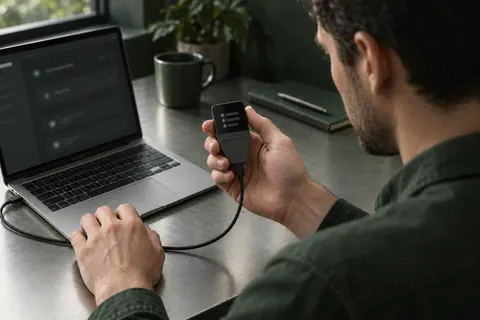
How to receive and send crypto
Find the right receiving details, compare them before sending, and understand fees, test transfers and payment status.

Check wallet security and suspicious requests
Spot fake support messages, understand wallet connections and token permissions, and know what to do after approving a suspicious request.
Recover your wallet4 guides

Plan your wallet backup and recovery
What to keep when setting up a hardware wallet, how recovery works after device loss, and how to check your saved backup.
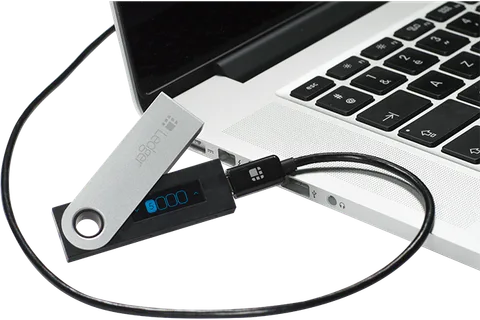
Ledger Nano S: support and recovery
Check current Nano S support, what to do about an unreadable screen or old firmware, and how restoration differs from transferring to a new wallet.
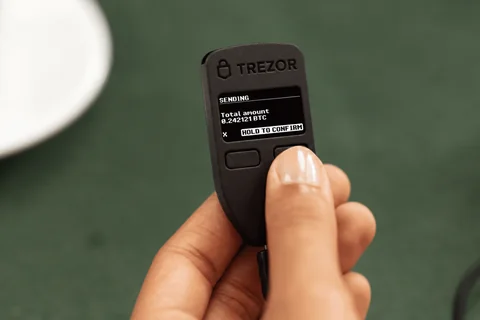
Trezor Model One: PIN and wallet recovery
How to enter the Model One PIN, choose a recovery method and prepare before resetting or updating the device.
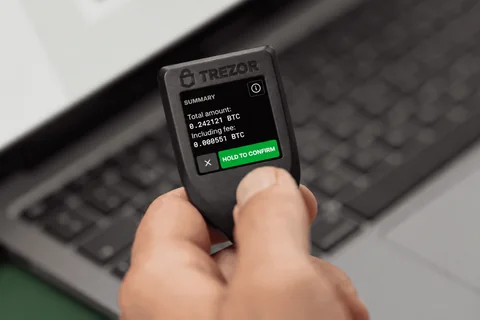
Trezor Model T: what is the microSD card for?
Understand optional microSD protection on Model T, why the card is not a wallet backup, and what you need if the paired card is lost.
Choosing a wallet instead? All wallets · Compare wallets