

Will it work with your phone or computer?
Seeing a balance in a phone app does not mean you can send with the hardware wallet from that phone. The model and app need to support transaction approval together. If your iPhone is your only device, settle this before comparing screens or controls.
Three connection examples
These examples show whether you need a cable or a charged wallet when you want to send.

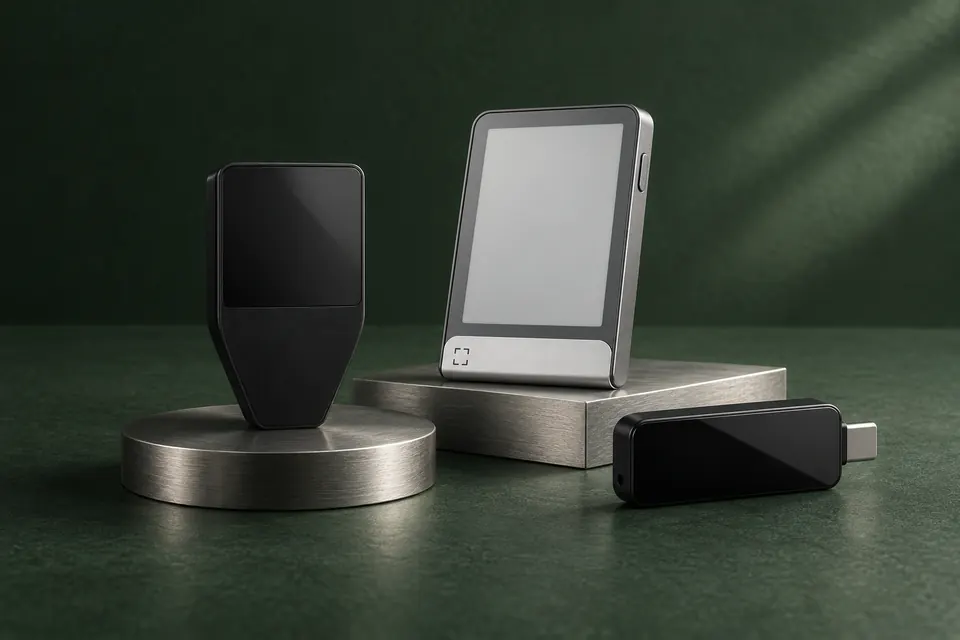
Trezor Safe 5
Connect it to a computer by USB and check the payment on its colour touchscreen. This suits a wired setup. It cannot approve transactions with an iPhone, even though an iOS app can show your balance.

Ledger Flex
Connect to your iPhone over Bluetooth and check the payment on the E Ink touchscreen. Its rechargeable battery lets you use it without a power cable during the payment; you need to keep it charged.

BitBox02 Nova
With an iPhone, Nova must be plugged in for power while Bluetooth carries the transaction data. It stays plugged in while you approve the payment. With a computer or Android, it connects over USB.
Can it manage your crypto on the right network?
A long list of supported coins does not answer this by itself. You need support for your asset on the network you use or plan to use, in an app that works with the device. Some assets work in the manufacturer’s app; others need a separate wallet app. The official lookup links below cover the three makers illustrated here; for another maker, use its official asset information and the required app’s hardware instructions.
The edition matters too. A Bitcoin-only edition deliberately limits you to Bitcoin. It is not always a setting you can change later: for example, BitBox02 Nova cannot switch between its Bitcoin-only and Multi editions. If you want to hold other assets, choose an edition that supports them.
- Note the coin or token and the network you already use or plan to receive it on. For an exchange withdrawal, start with the networks offered for that asset.
- Open the maker’s official lookup below and find the asset. Use the information it provides to check whether the entry covers your intended network or token type and the task you need, such as sending or receiving. Note any app named for that task. A buying or swapping option does not establish sending support.
- Follow the asset entry and the required app’s official hardware instructions for your exact model, edition and phone or computer. Use a model filter where the page provides one; otherwise find those conditions in the instructions.
- If your asset, network or device and app requirements remain unclear, keep support unconfirmed. Resolve the missing condition in official model or app instructions before choosing.
Decide between Bitcoin-only and multi-asset editions
Why the sending network must match the receiving details
Ledger or Trezor: choose for your phone, apps and backup
Manufacturer support
Will you be comfortable checking a payment?
You will use the controls to review and approve transactions, not just to unlock the wallet. On a model with a screen, small text or repeated scrolling can make that less comfortable. A larger touchscreen may suit you better, while a smaller device may be easier to carry. Screenless models show the details in the app you use with the device, on a supported phone or computer.
A product photo shows the shape; a transaction demonstration shows what you need to read and press. Use that to judge whether the controls suit you. A larger display does not by itself make an unfamiliar payment or permission safe.
What would you keep if the device were lost?
Owning a wallet also means looking after what restores access: for example, a recovery phrase or a backup saved on a microSD card. Choose a method you understand and have somewhere to keep separately from the device.
If you want to restore your existing wallet on a replacement, the new device must support your recovery format and any additional passphrase you use. A similar-looking device or a card slot does not establish that compatibility. Creating a new wallet and transferring funds to it is a different route.