Choose a wallet · With a touchscreen

Hardware wallets with a touchscreen

Choose a touchscreen for the checks and controls you want to use. A larger display can be more comfortable, but the app, transaction support and connection still determine whether the wallet fits your routine.

Our picks: 2 · Matching wallets: 20

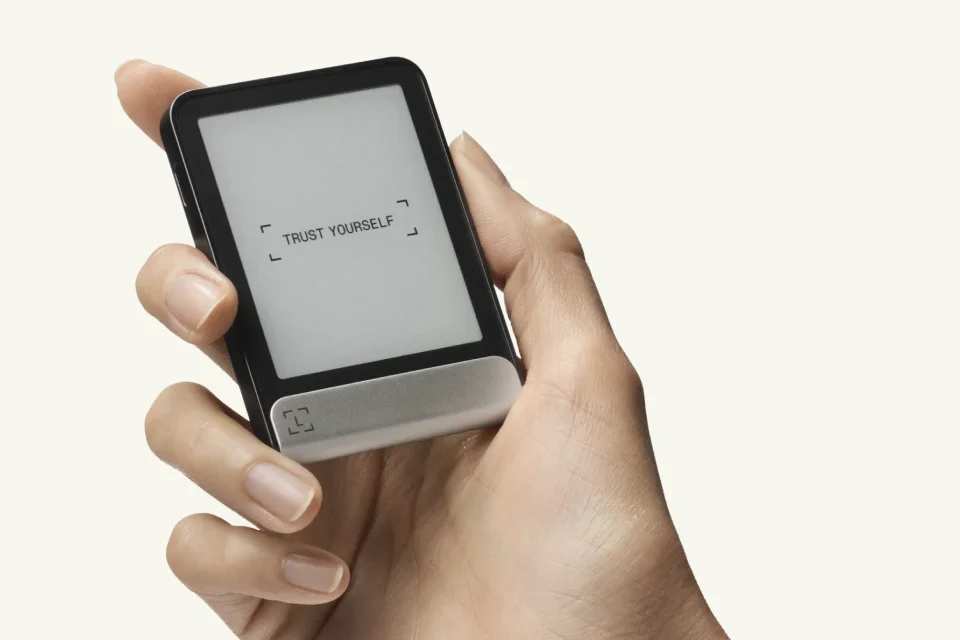
A hand holding a Ledger Flex with its E Ink screen facing the reader.

Other wallets with a touchscreen

Beyond our picks above, the catalog includes 18 other wallets that match this category.

Before you choose

What matters with a touchscreen.

Screen size changes how you use the device

Trezor Safe 5 has a 1.54-inch colour touchscreen; Ledger Flex has a 2.84-inch E Ink touchscreen. Safe 5 is the smaller device, while Flex gives you a larger surface for reading and tapping. Neither measurement tells you whether a particular address or request fits on one screen.

Look at the actions you repeat: entering the device PIN, moving through an address and confirming a request. A manufacturer’s actual use images help you judge the controls; a large product render alone cannot show the whole interaction.

Readable details must explain the actual request

For a transfer, check the recipient, amount and fee on the device. A token-spending permission asks a different question: which contract may spend which token, and up to what amount? Recognising the token symbol is not enough to understand that permission.

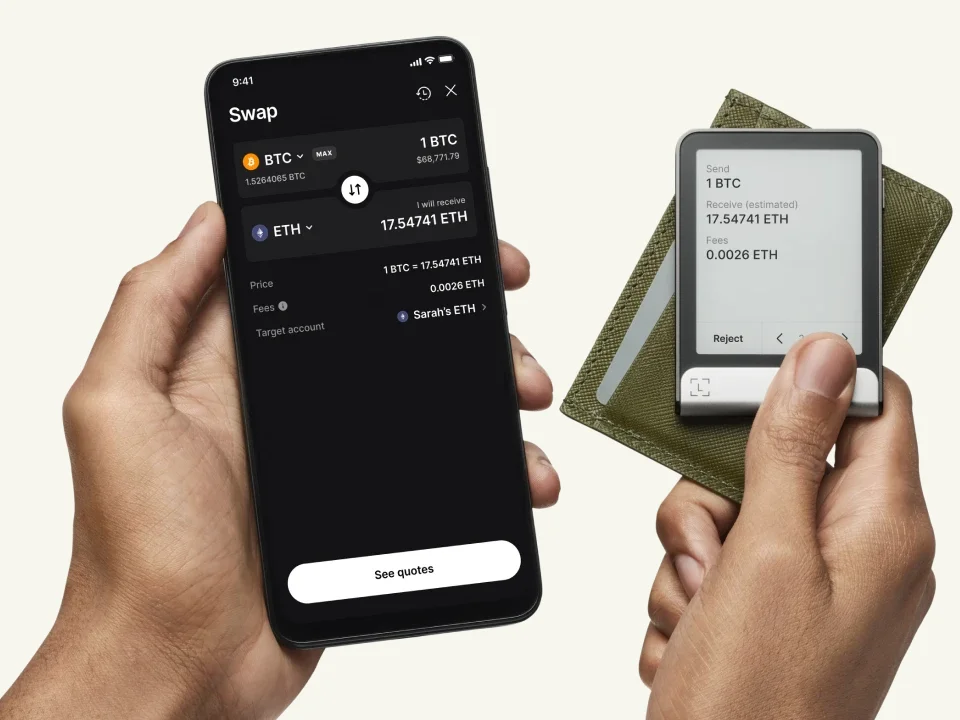
Hands holding a phone and Ledger Flex, with swap amounts and a fee displayed on the wallet.

Manufacturer example of a swap review on Ledger Flex: the amount to send, estimated amount to receive and fee. These are example values, not a current quote.

Ledger’s Clear Signing can turn supported transaction data into readable fields. Outside its integrated app flows, support also depends on the application providing the needed transaction information. A touchscreen cannot make every contract understandable or decide whether the recipient is trustworthy. If the request remains unclear, stop before approving it.

Match the phone connection and charging routine

Trezor Safe 5 uses USB with a computer or compatible Android phone; it does not sign with an iPhone. Ledger Flex uses Bluetooth with Ledger Wallet on iPhone or Android and has a rechargeable battery. ELLIPAL Titan 2.0 exchanges transaction QR codes with its phone app and uses a separate adapter for charging and firmware maintenance.

Choose the connection you can use, then check your asset and network in that exact app. Touch controls do not determine the recovery method either: compare the backup requirements before replacing a wallet you already use.