

Get the details from the receiving account
Start where the funds should arrive. In that wallet or exchange account, open Receive or Deposit and select the cryptocurrency and network. The sender needs those receiving details; choosing a coin with the same name in the sending app is not enough.
The same coin can use different networks
Example: the recipient has given you deposit details for USDC on Ethereum. Compare them with the network selected for sending.
The recipient expectsCryptocurrency: USDC, Network: Ethereum
You send
Cryptocurrency USDC
A network offered in the sender’s menu is not necessarily accepted by the recipient.
A memo or destination tag is an extra reference some services use to credit the right customer. For example, an XRP deposit address may be shared by many customers, with the tag identifying yours. If the deposit instructions require one, copy it too. Also check the minimum deposit.
Use the current receiving details from the official app or website. If you are paying another person, ask them to confirm the network and address through a trusted channel. A QR code is another way to copy the details; it does not verify them.
Compare the details before you approve
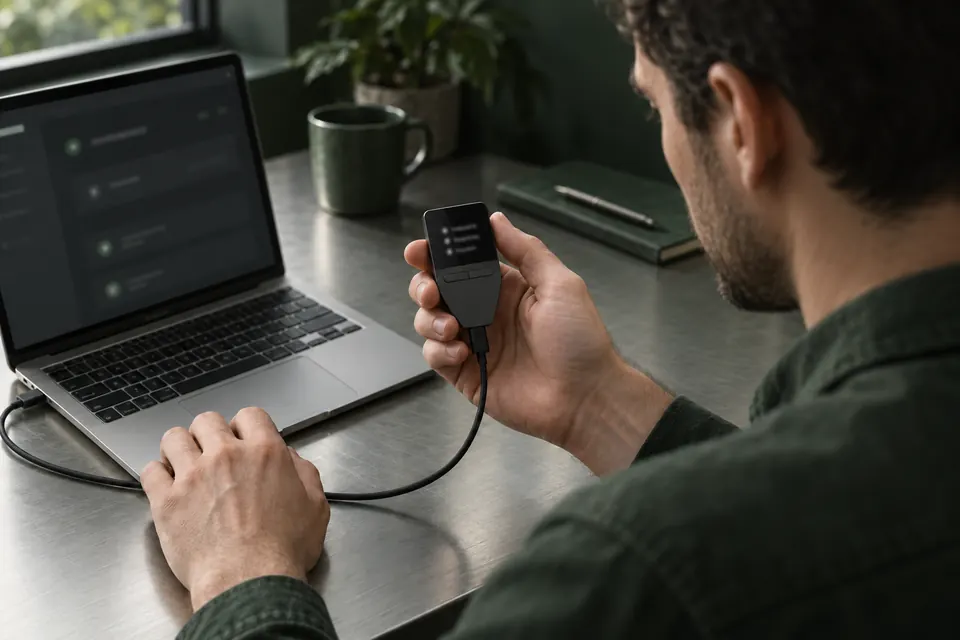
Before approving, compare the full address in the sending form with the current receiving details. Use the checklist below for the rest of the payment. If the transfer needs hardware approval, also follow your model’s instructions to check the details it shows. Keep checking the full address and fees in the app; the device may not show every field. Your approval is not network confirmation.
Before you confirm
- Full destination address
- Compare the address pasted into the sending form with the verified receiving address. Every character should match; checking only the beginning and end is not enough.
- Amount and cryptocurrency
- Read the amount in the cryptocurrency itself, not only an estimated value in euros or dollars. Check what the recipient will receive.
- Fees and total deducted
- Include any network fee and service withdrawal fee. Check whether the fee is added to your payment or deducted from the amount sent.
- Memo or tag, if required
- Copy the reference exactly as given in the receiving account’s deposit instructions. Do not invent one if none is requested.
For your own hardware wallet, compare the receiving address in the app with the device’s address if that model supports it, then share the address you checked. For an exchange deposit, use your account on the official website or app. Compare copied addresses carefully: malware can replace them, and transaction histories can contain attackers’ lookalike addresses.
A screenless wallet uses the app to show the payment; that is not an independent check on the hardware. If a request is unclear, stop and work out what it would authorize. Blind signing means approving transaction data that the wallet cannot turn into readable details. A request to let an app spend your tokens is a separate permission, not an ordinary transfer. Do not approve it just to get past a warning.
Use a small test to check the route
For a new destination, a small test can reveal a mistake before you send the rest. Choose an amount that meets the receiver’s minimum deposit and still makes sense after fees. Wait until it is credited to the intended account.
A successful test shows that this transfer arrived. It does not prove the recipient is trustworthy or make the next transfer safe automatically. Before sending the rest, check the current network, full address, any required reference, amount and fees again.
Understand the fee and the payment status
A network fee pays for processing the transaction. An exchange may also charge a withdrawal fee. When sending tokens from your own wallet, you may need another cryptocurrency for the network fee: for example, sending USDC on Ethereum requires ETH. A USDC balance alone may therefore be insufficient.
Status names and timing vary. Service processing and account credit apply when an exchange or another provider is involved; they are not extra steps every wallet transfer must go through.
The service is processing the withdrawal
For an exchange withdrawal, the service may still need to process or approve your request. This does not necessarily mean a transaction has been sent to the network yet.
Sent to the network, awaiting confirmation
The transaction has been broadcast, but it is not confirmed yet. Do not treat a pending status as proof of a completed payment.
Confirmed on the network
The network has included the transaction. Check that it succeeded: a failed transaction can also appear on the blockchain. A receiving service may require further confirmations before crediting your account.
Credited by the receiving service
For a deposit to an exchange or similar service, check that the funds appear in the intended account. Network confirmation and the service’s account credit are separate checks.
Open the transaction details in your wallet or exchange. If it provides a blockchain-explorer link, use it to inspect that transaction on the correct network. A transaction ID identifies the transfer; an exchange’s internal withdrawal reference may not be the same thing.
Do not send again solely because the balance has not updated. If an exchange is still processing the withdrawal, check its withdrawal details and contact the exchange if you need to stop it. If the transaction is pending on the network, use your wallet’s instructions for that transaction. “Speed up” tries to get the payment confirmed sooner; it does not cancel it. Some wallets and networks allow a cancellation attempt while the transaction is pending, but success is not guaranteed. A successfully completed transfer cannot be reversed by your wallet provider.
Official support
You can receive while the device is disconnected
Once you have verified a receiving address, it can receive an ordinary on-chain payment while the hardware wallet is unplugged. The network records the transfer. The device does not have to stay awake waiting for it.
Follow your model’s instructions when checking a new receiving address; that check may require the hardware. For sending, use the hardware if the chosen payment route requires it. Some apps can show your balance without it. Receiving an ordinary transfer does not require you to sign a transaction.
You never need to give someone your recovery words or private key to receive funds or “release” a pending payment. If a site or support message asks for them, stop.