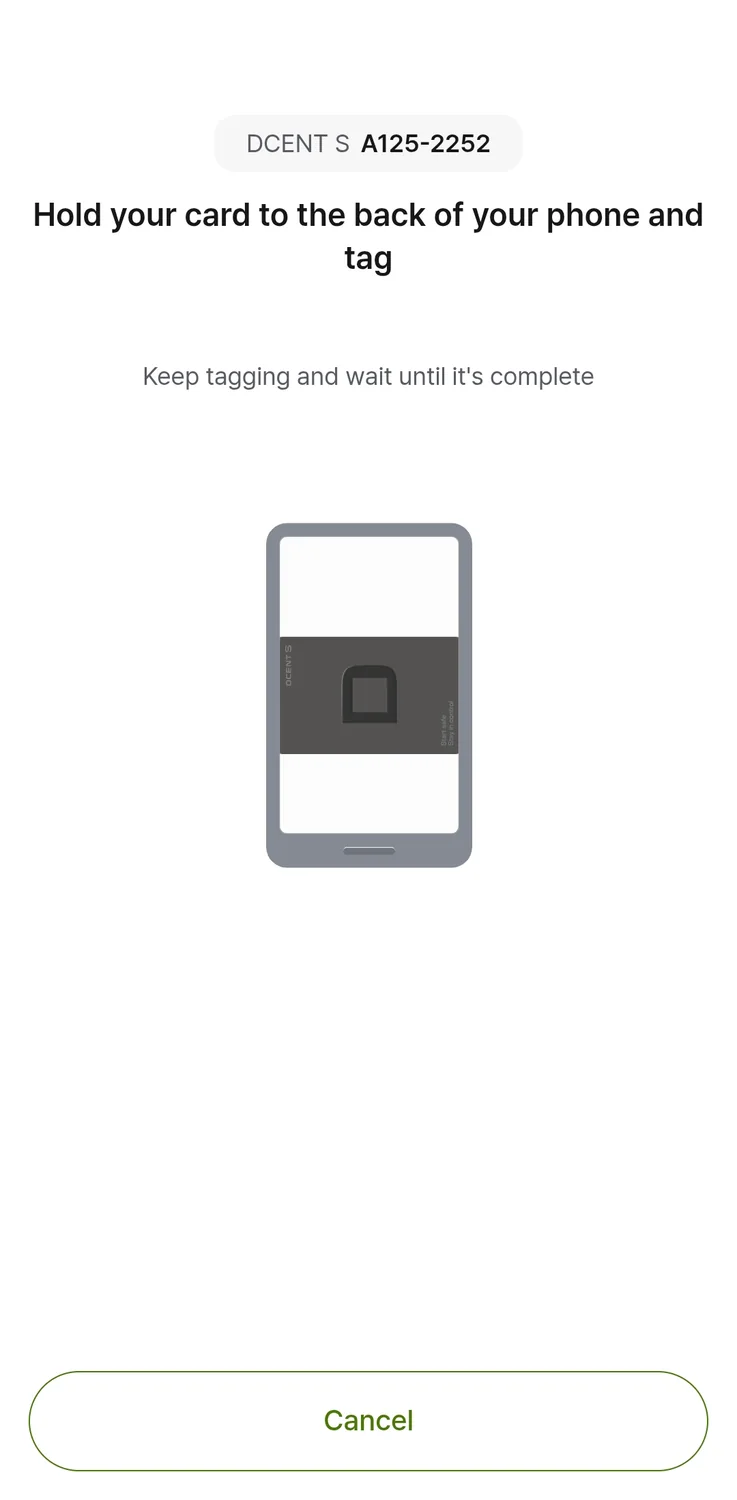
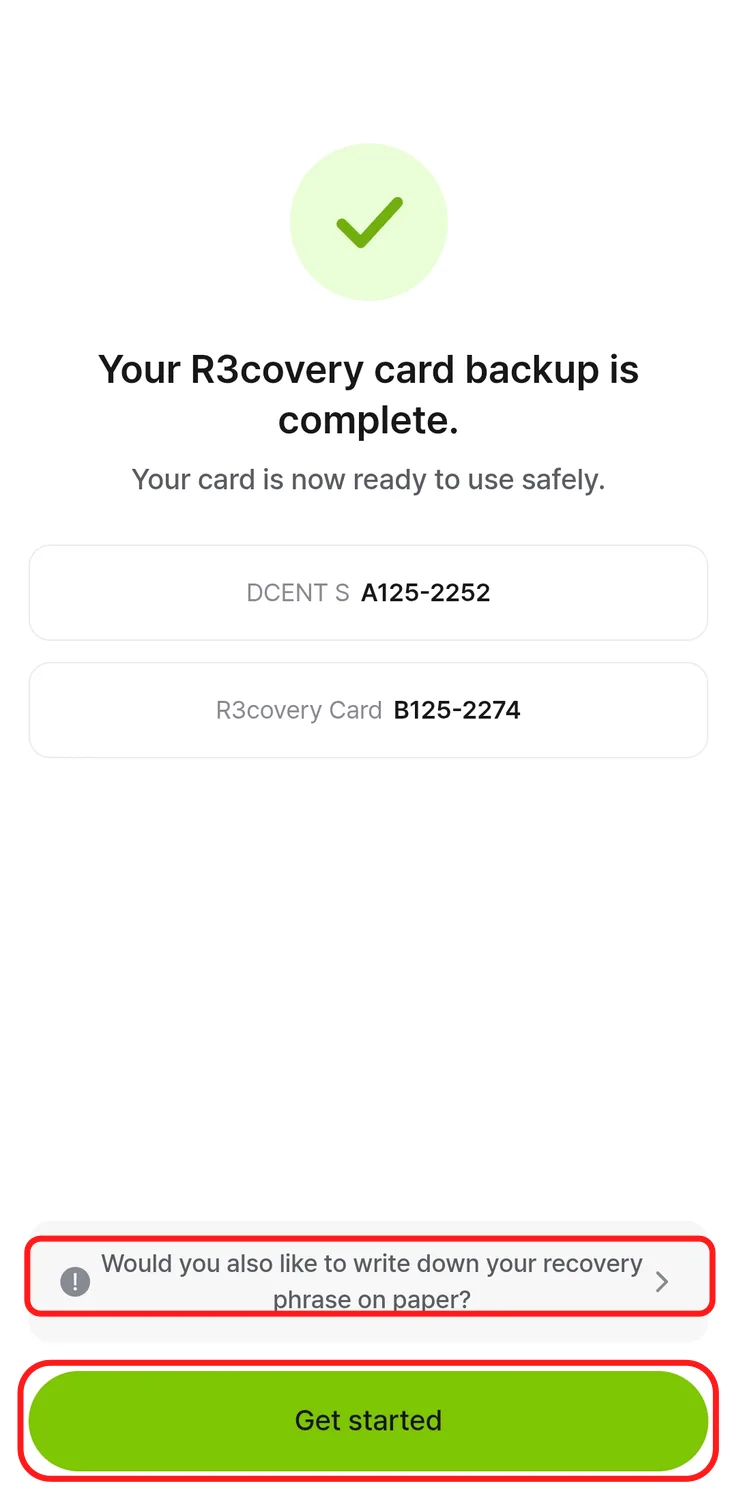
To restore from R3covery, you need the saved backup card, its PIN and a new or reset empty S card. In the phone app, read R3covery, set a new S PIN and tap the replacement S to write the wallet onto it. A card already holding another wallet cannot receive this restoration without being reset.
If R3covery or its PIN is unavailable, the documented alternative is your previously recorded S recovery phrase of 24 words. Enter those words in the phone app and import the wallet onto an empty S. BIP39 is the documented recovery-word format, but that does not establish every other wallet’s account or passphrase compatibility. The checked S procedure restores its own 24-word backup; it does not establish 12- or 18-word import.
After either route, add the coin accounts and networks you used before. Recovery restores the signing information, while the app needs those account entries to show the balances. Keep a record of your accounts alongside the information needed for recovery.
Ten consecutive wrong S PIN entries reset the signing card and erase its keys. R3covery has its own failed-PIN reset limit. After an S reset, restoration needs a backup made before that reset.
- For a new wallet (BIP39)
- Word count: 24
- To restore a wallet (BIP39)
- Word count: 24