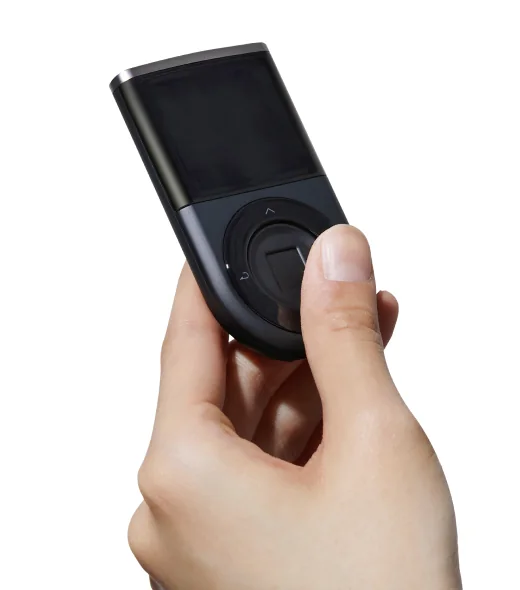
Biometric Wallet generates 24 recovery words on the device during new-wallet setup and shows four words per screen. Write them in order, then verify them on the device using its buttons. Keep the words offline and separate from the wallet; the fingerprint and device PIN do not replace this backup.
Restoring your Biometric Wallet means entering its 24 words on a new or reset device, syncing with the app and re-adding every coin account you previously used. Keep a record of those accounts. Some legacy accounts or custom tokens need their original account type or token details to show the same balances.
BIP39 is the recovery-word format used here. When moving a backup from another wallet, the same words can produce different account addresses because wallets may use different rules for deriving accounts. Check the supported accounts and networks and compare the restored receiving addresses with your original ones.
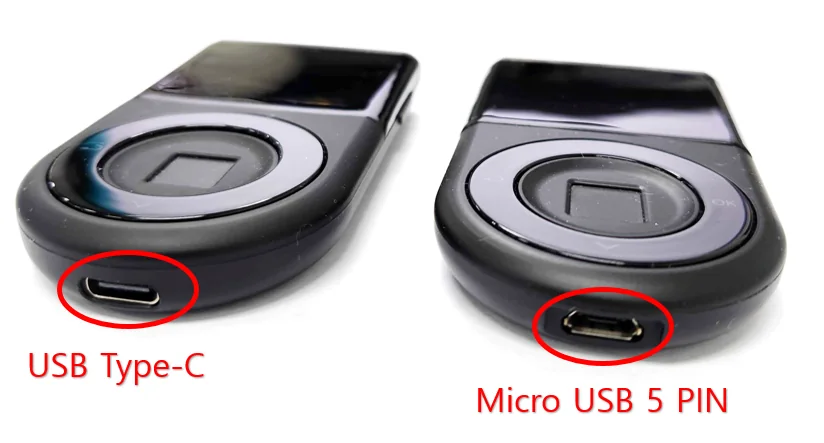
The optional additional recovery password, called a passphrase, requires the device’s KSM security-chipset version to be 1.1 or later. Check it under Setting → Device Info; a USB-C port does not establish this version. The passphrase is entered on the hardware and accepts 1–8 letters or numbers. To recover that wallet, you need its 24 words and exactly the same passphrase.
Setting a passphrase replaces the wallet currently held by the device. DCENT instructs users with funds in that wallet to transfer their assets before enabling it. The original wallet can be restored with its original 24 words; read the exact procedure before changing a funded wallet.
- For a new wallet (BIP39)
- Word count: 24
- To restore a wallet (BIP39)
- Word count: 24